


Connect your coding agent with one sentence
Copy one sentence to your agent and it adds Feedbaky itself. If it can’t, the AI agents page has ready settings for Claude, ChatGPT, Codex, Claude Code, Cursor and VS Code.
Connect your agent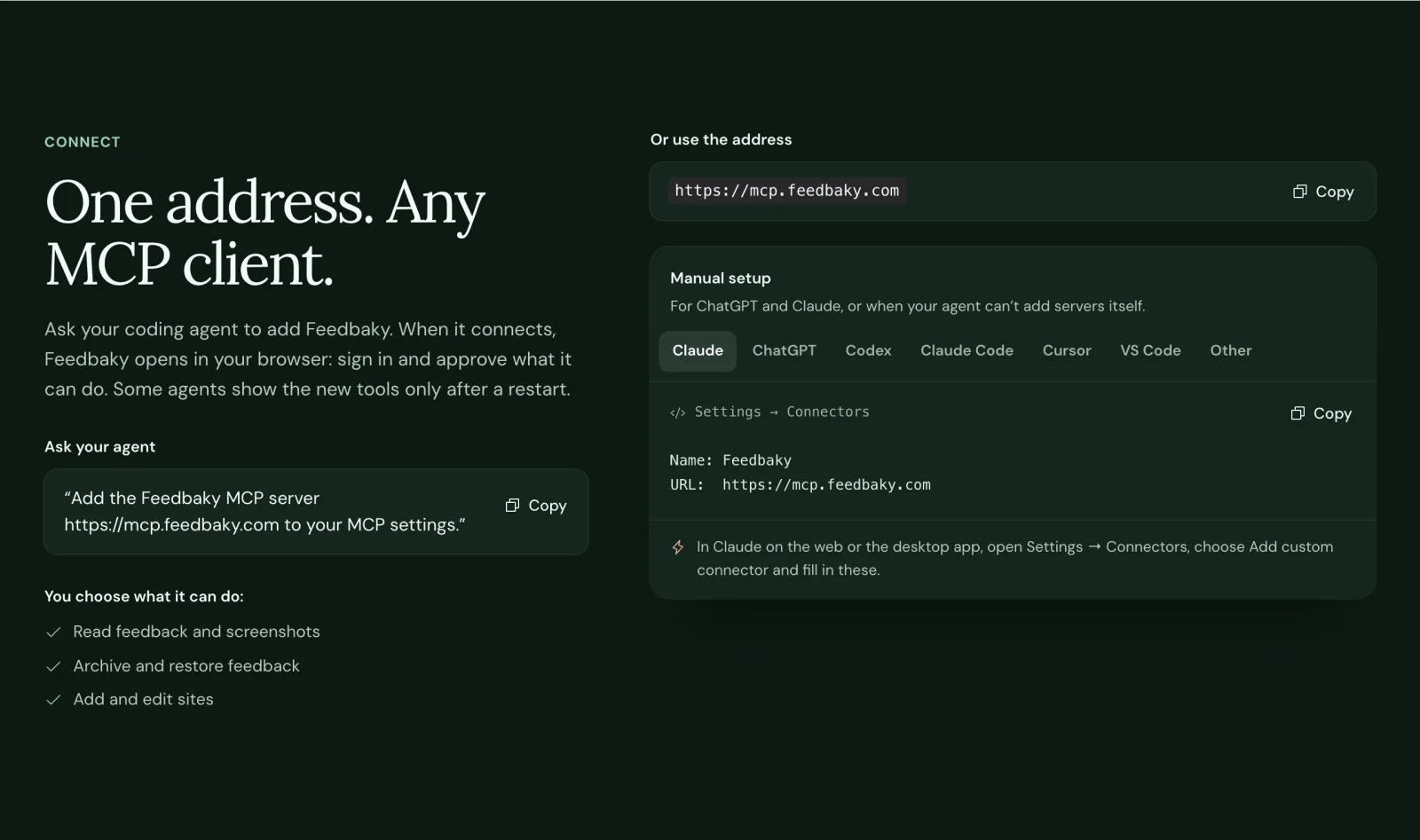
What’s new
The changes you notice when you use Feedbaky, newest first. Small fixes are left out. Each date is the day the change was made.
Copy one sentence to your agent and it adds Feedbaky itself. If it can’t, the AI agents page has ready settings for Claude, ChatGPT, Codex, Claude Code, Cursor and VS Code.
Connect your agentFeedbaky now has an MCP server. Your agent sees each message with its page, browser, screen size and the screenshot with the spot circled, and archives the feedback once it’s fixed. It can also add a site and install the widget for you.
Try asking
Fix the open Feedbaky feedback for this site, one at a time. Archive each one when it’s fixed.
What did testers report since yesterday? Group it by page.
Add this project to Feedbaky and install the widget.
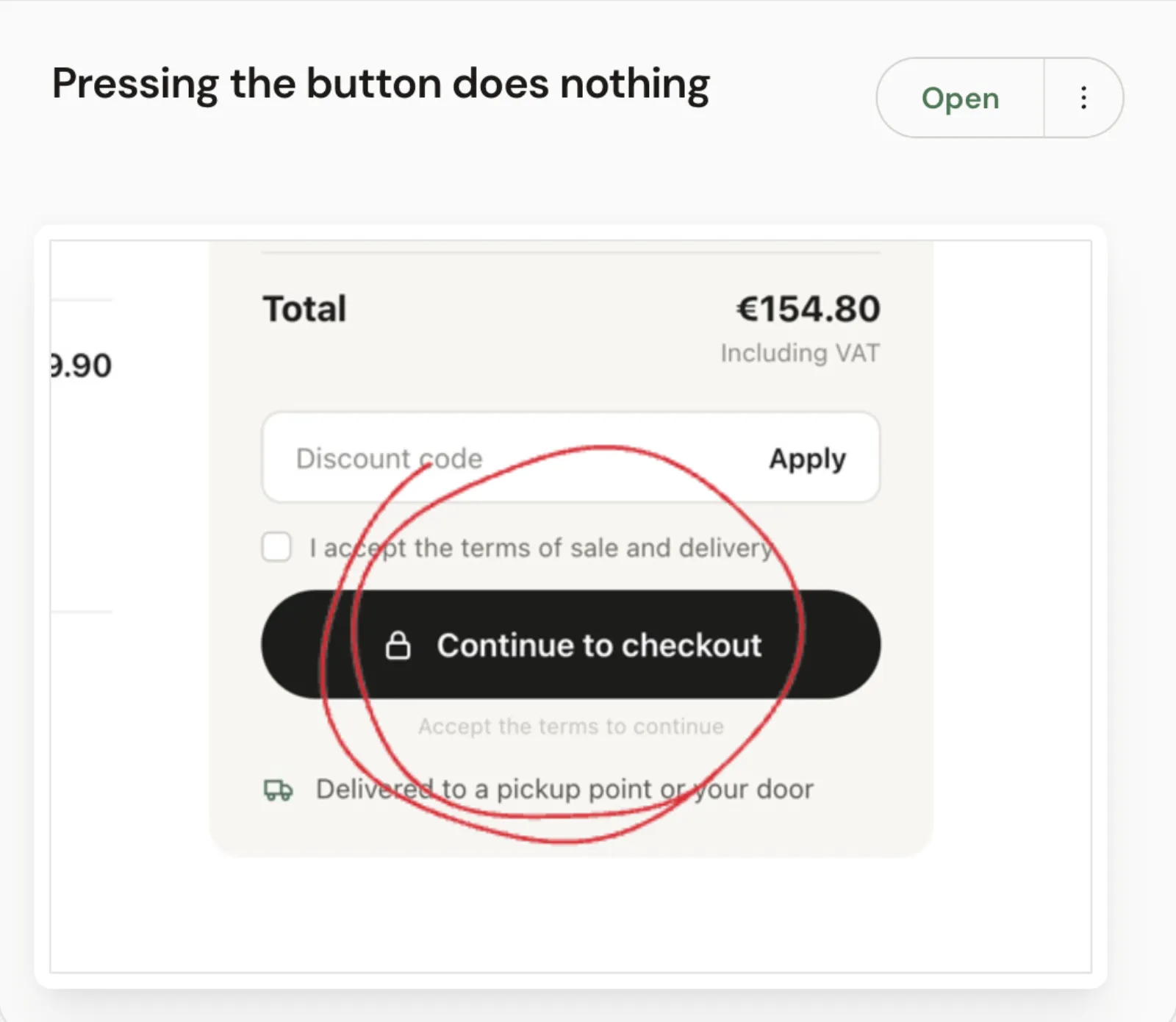
Copy screenshot and Download screenshot now give you the image with the tester’s marking drawn on it, ready to paste into an issue or a chat. The original screenshot stays as it was.
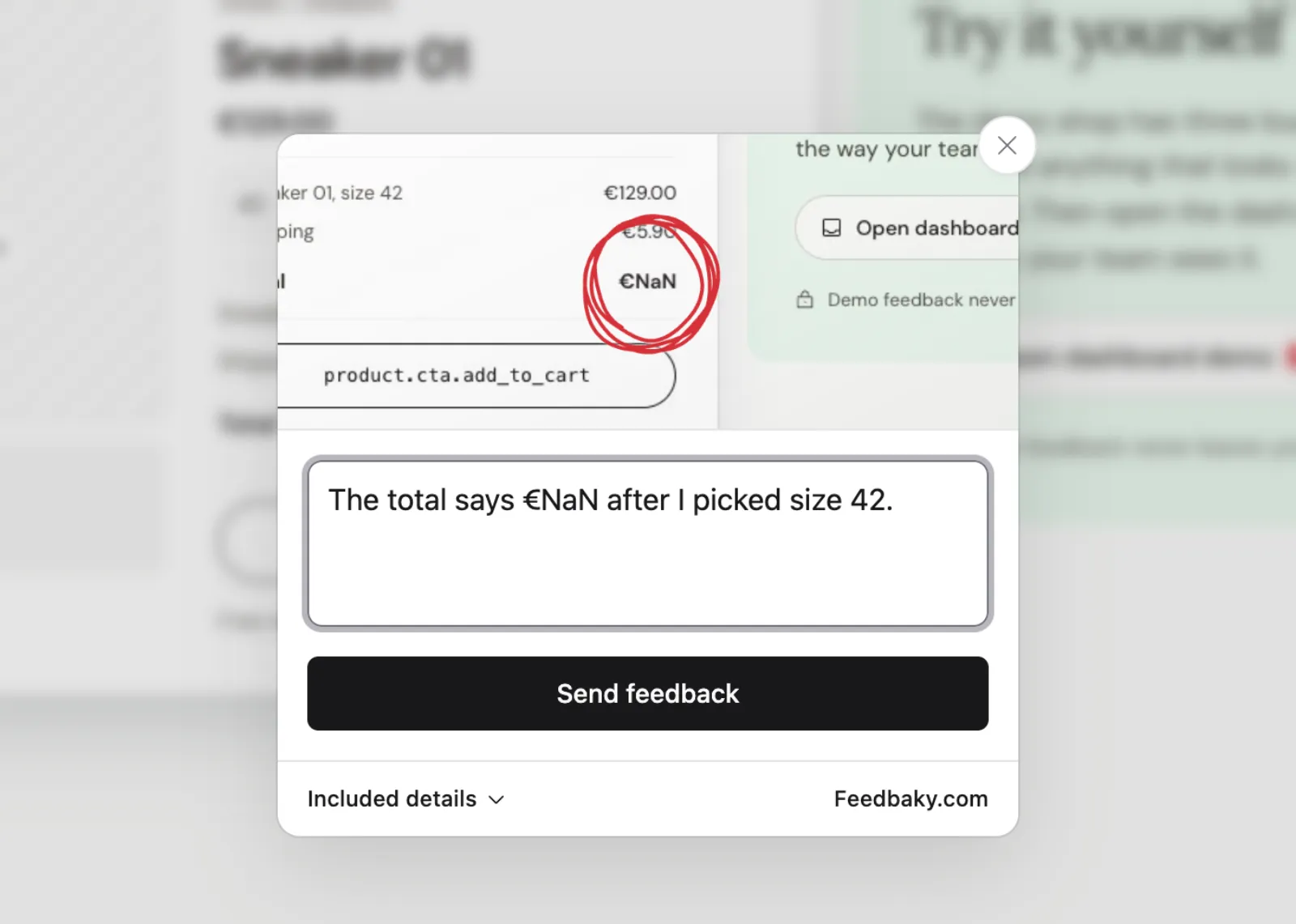
The feedback window opens with the cursor already in the text field, so a tester presses, types and sends.
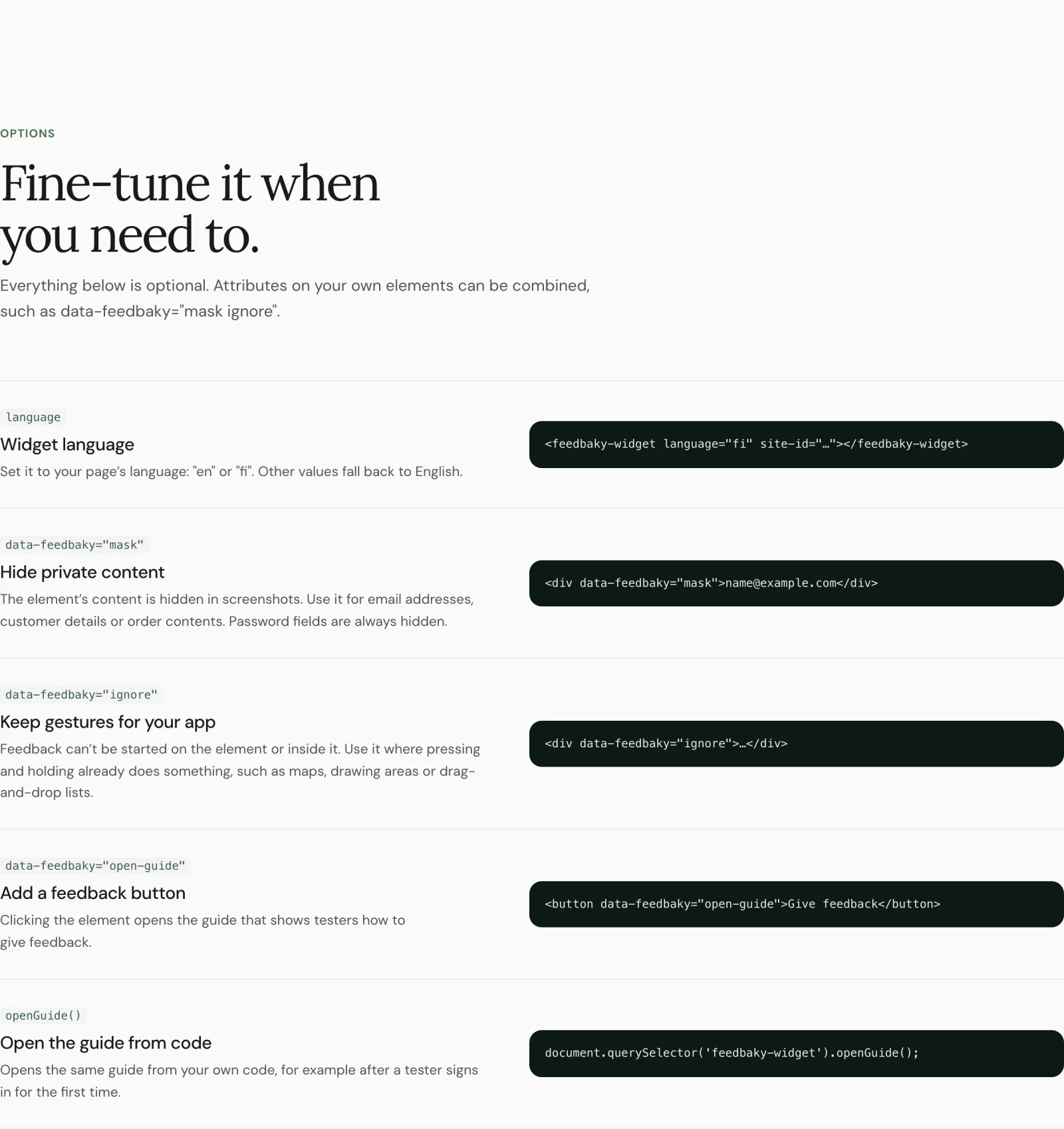
Mark your own elements with data-feedbaky. mask hides private content in screenshots, ignore leaves press and hold to your own gestures, and open-guide turns any button into a feedback button.
Each feedback shows the page, browser and screen size it was sent from. Copy feedback copies the message with all of it.
“The discount code doesn’t apply.”
Feedbaky started from one idea: testers shouldn’t have to describe where the problem is. They press and hold the spot, or touch it with two fingers on a phone, and write what they noticed. You get the screenshot with the spot circled.
Try the demo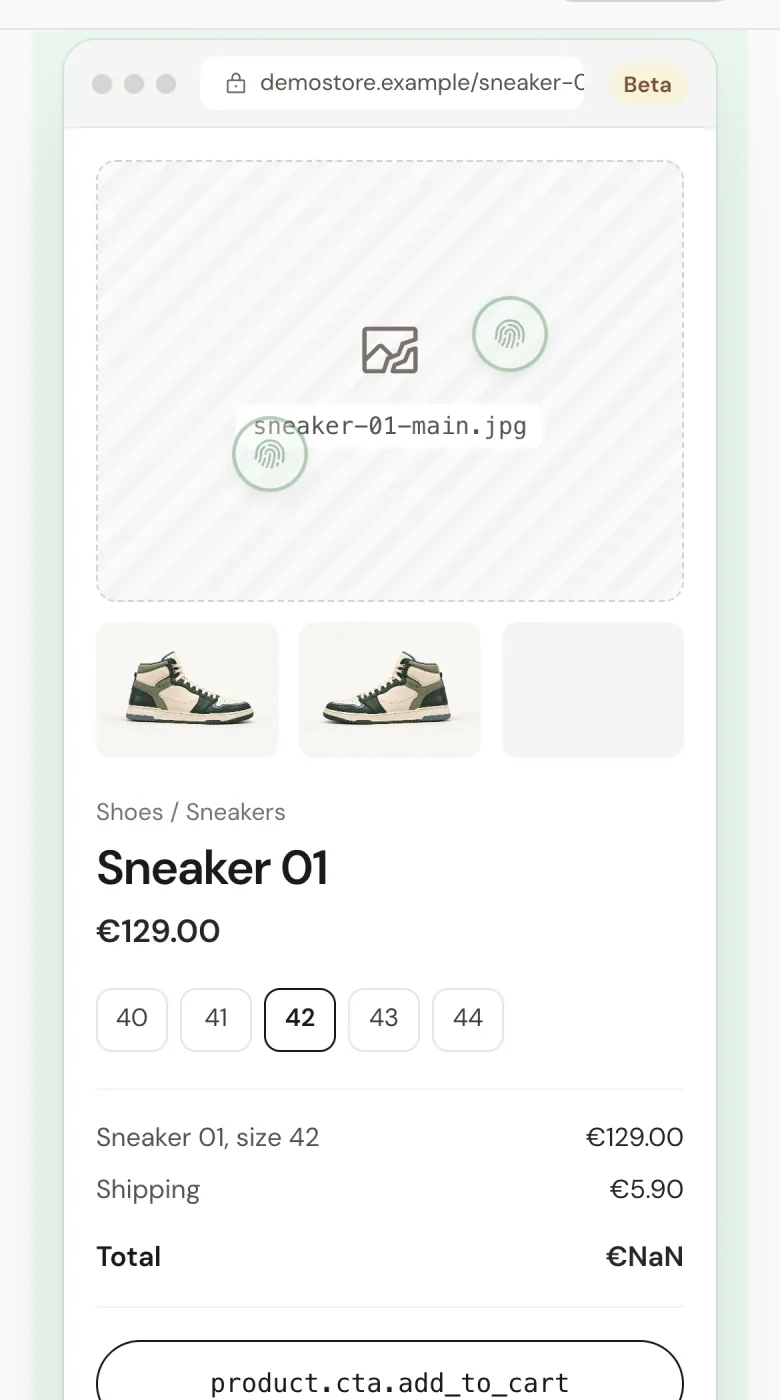
Add Feedbaky to your preview today and hear from testers before launch day. It’s free, and testers don’t need accounts.